You can use TrainerRoad AI Workouts to train flexibly without a plan or add additional training to your plan. Each AI Workout is selected by TrainerRoad AI based on your workout history and predicted performance.
What Are TrainerRoad AI Workouts?
AI Workouts are one-off, intelligently chosen sessions that you can add to your TrainerRoad Calendar. AI selected workouts are chosen from the TrainerRoad library based on your recent training and predicted performance. You can add them to any day on your calendar to get a workout that fits your needs for that day.
When you go to add an AI Workout to your Calendar a workout will be chosen for you based on this criteria:
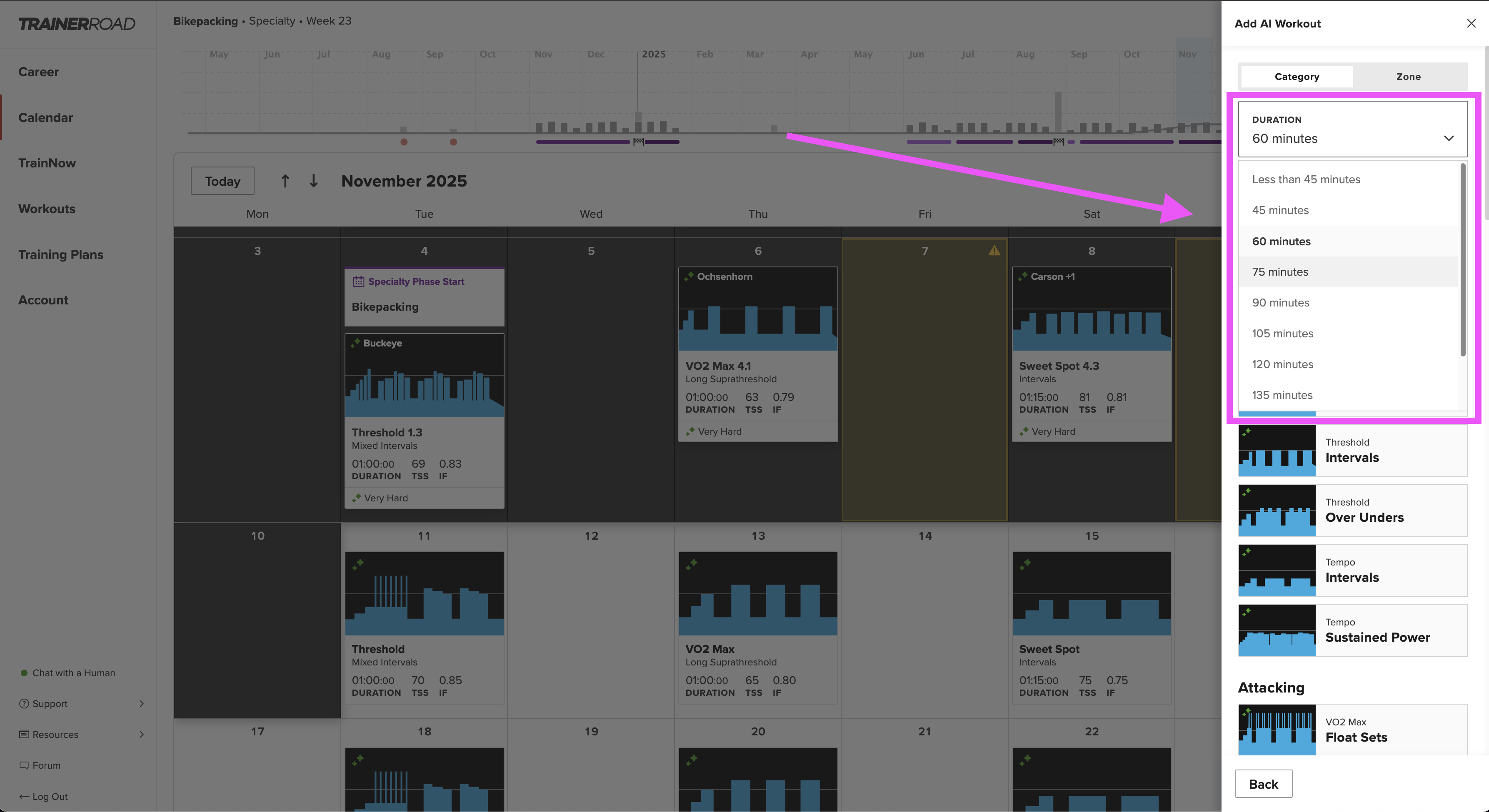
- Duration: Pick how long you want to ride for that day
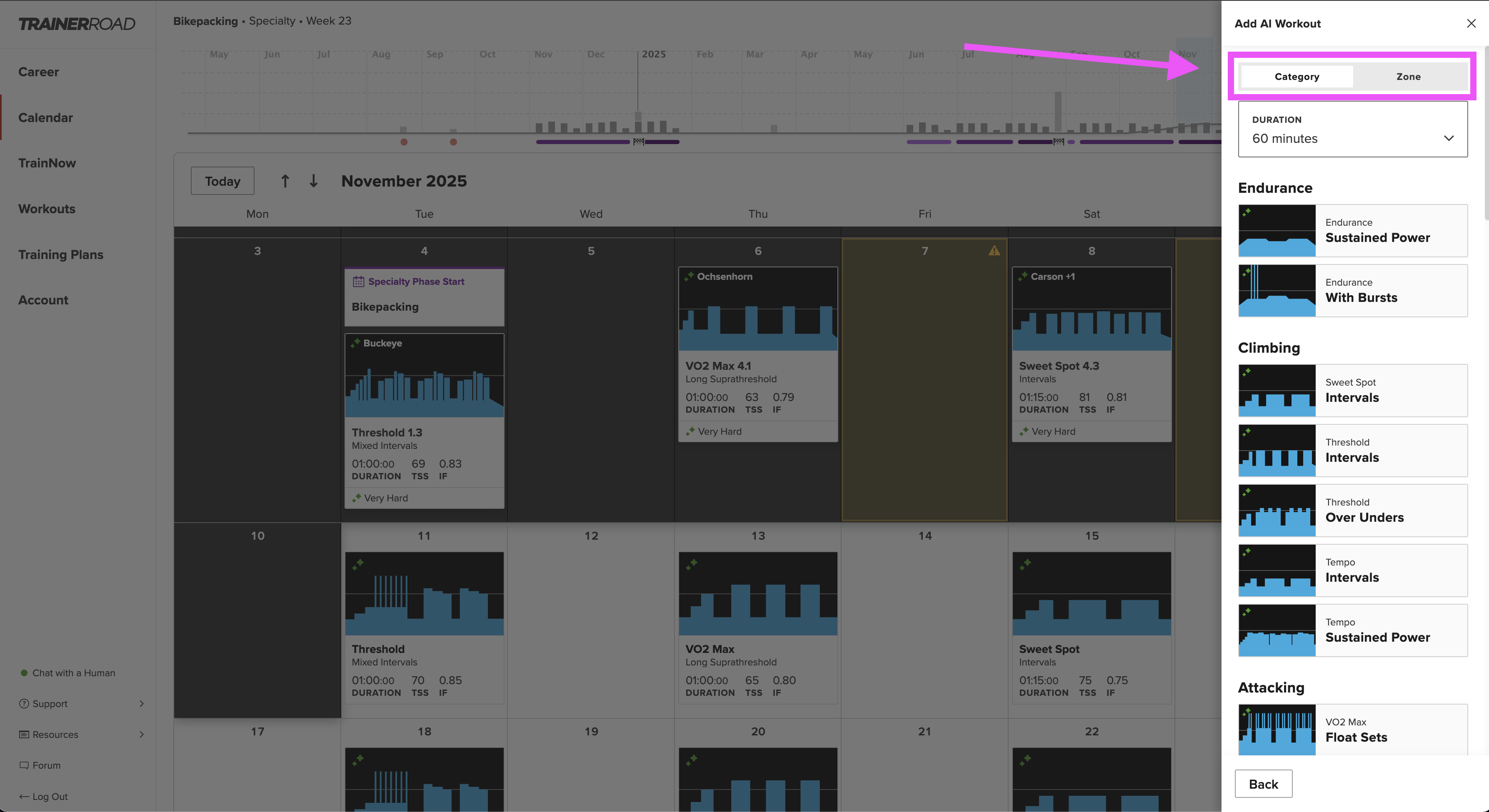
- Focus or Discipline: Choose a type of workout that matches your goals or the type of training you'd like to complete that day. Workouts are broken into Category and Zone.
Category options include: Endurance, Climbing, Attacking, Criteriums, Zwift Racing, Group Rides, Cyclocross, Mountain Biking or Time Trialing
Zone options include: Endurance, Tempo, Sweet Spot, Threshold, VO2 Max and Anaerobic - Interval Structure: Within each category of riding workouts will be broken into interval types. Choose the interval type that you would like to complete.
- Inside or Outside: Before scheduling your workout you will have the option to choose whether you would like to complete the workout inside or outside.
How to Add an AI Workout
Step One: Open your Calendar (web or mobile) and select the + Add button in the upper right hand corner of the screen.
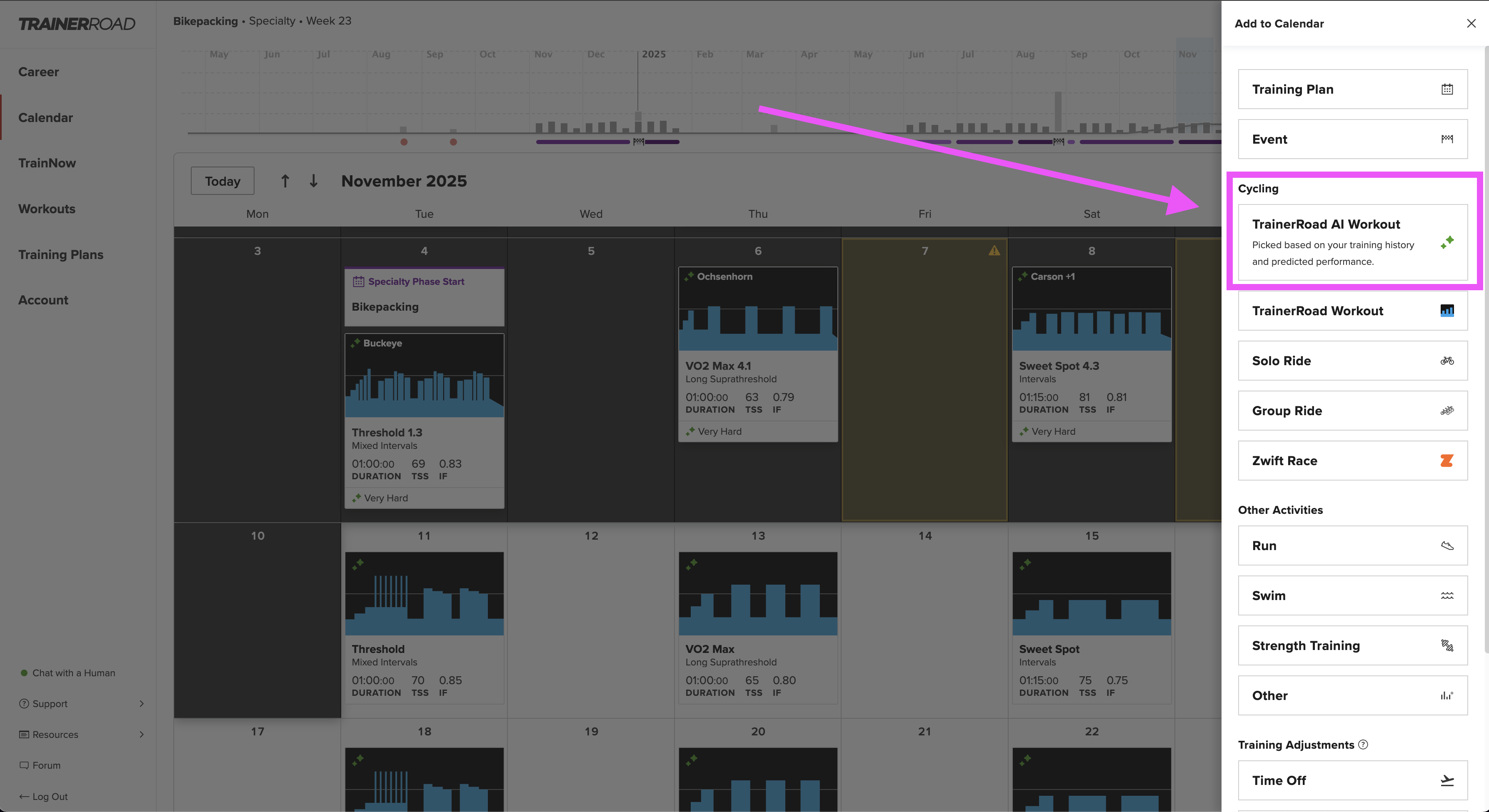
Step Two: In the cycling category choose TrainerRoad AI Workout
Step Three: Choose whether you would like to choose a workout based on Category or Zone
Step Four: Set your ride length in the drop down
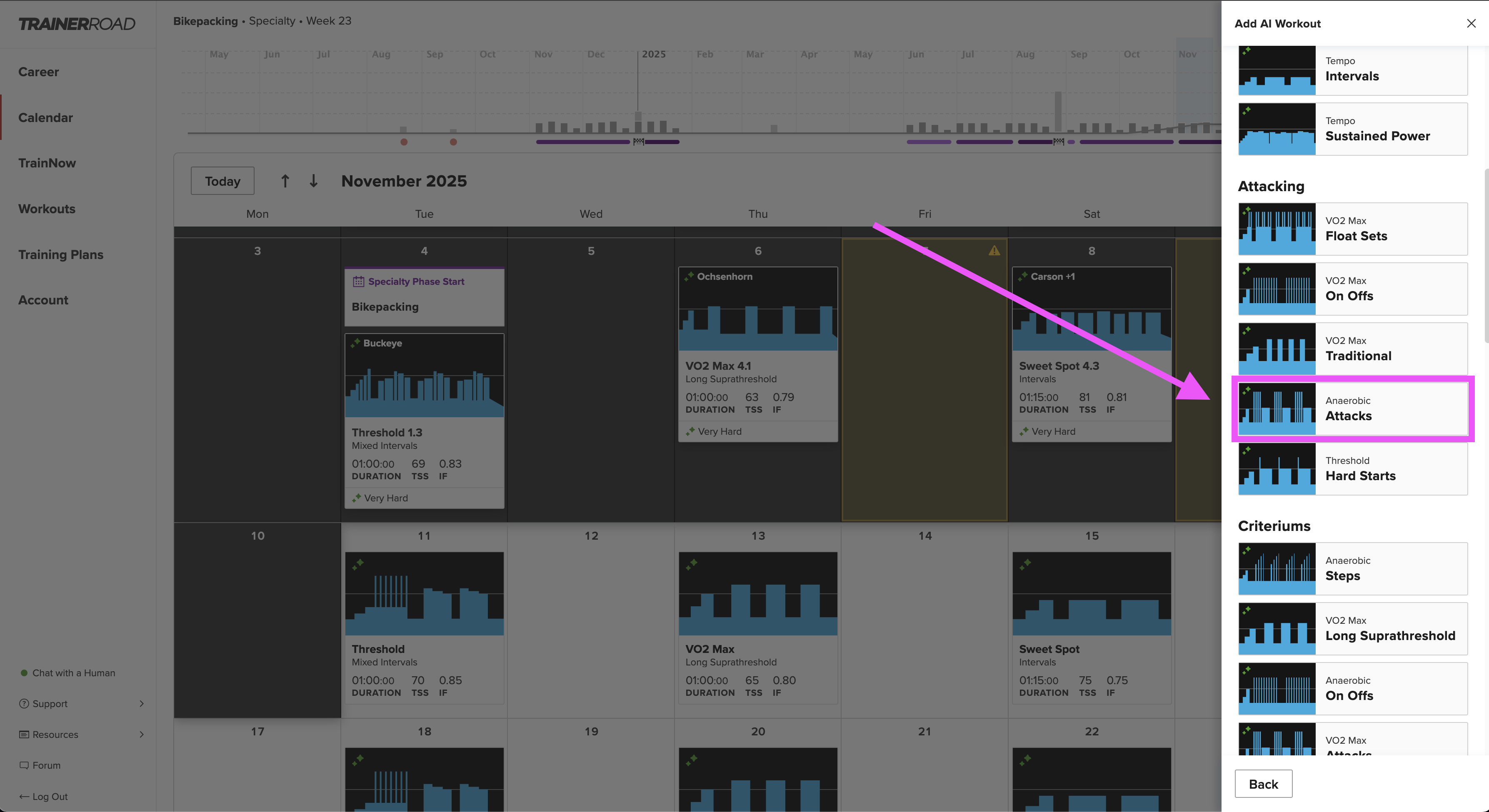
Step Five: Scroll to the training focus (e.g., Endurance, Climbing, Attacking, Time Trial, Criterium, Cyclocross, Mountain Bike, Gravel, Zwift Race, Group Ride) or the zone (Endurance, Tempo, Sweet Spot, Threshold, VO2 Max and Anaerobic) that you would like to select a ride from
Step Six: Choose the zone and type of interval structure you would like to complete and select this option
Step Seven: Review the details of the type of workout you are selecting and click Schedule.