The Schwinn Airdyne will work with TrainerRoad through VirtualPower. To use VirtualPower, you'll need an ANT+ or Bluetooth Smart speed sensor.
Check out our articles on Bluetooth Smart Connectivity or ANT+ Connectivity for more information on how to get those working with TrainerRoad.
Speed Sensor Placement
To use the Airdyne with VirtualPower, you'll need a speed sensor hooked up to the Airdyne, as if it were a cadence sensor. The magnet should be placed on the crank arm with the sensor on the body of the bike so that it can pick up the magnet.
How do I set up the Airdyne with VirtualPower? (Desktop)
- Navigate to the Devices tab
- Enable VirtualPower.
- Select Schwinn Airdyne from the drop-down list.
- Finally, pair your speed sensor and you're ready to go!

How do I set up the Airdyne with VirtualPower? (Mobile)
- Navigate to the Devices tab
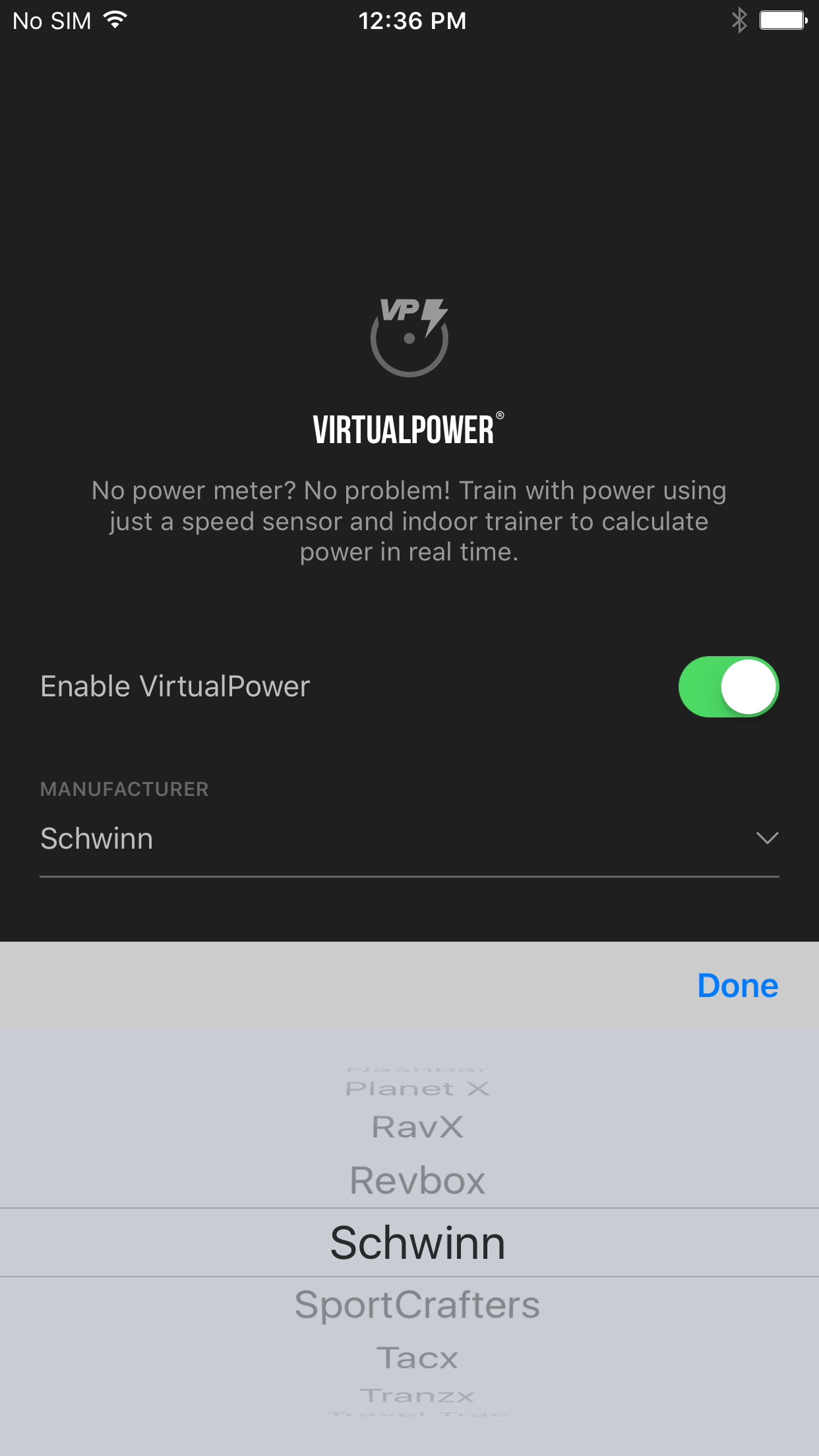
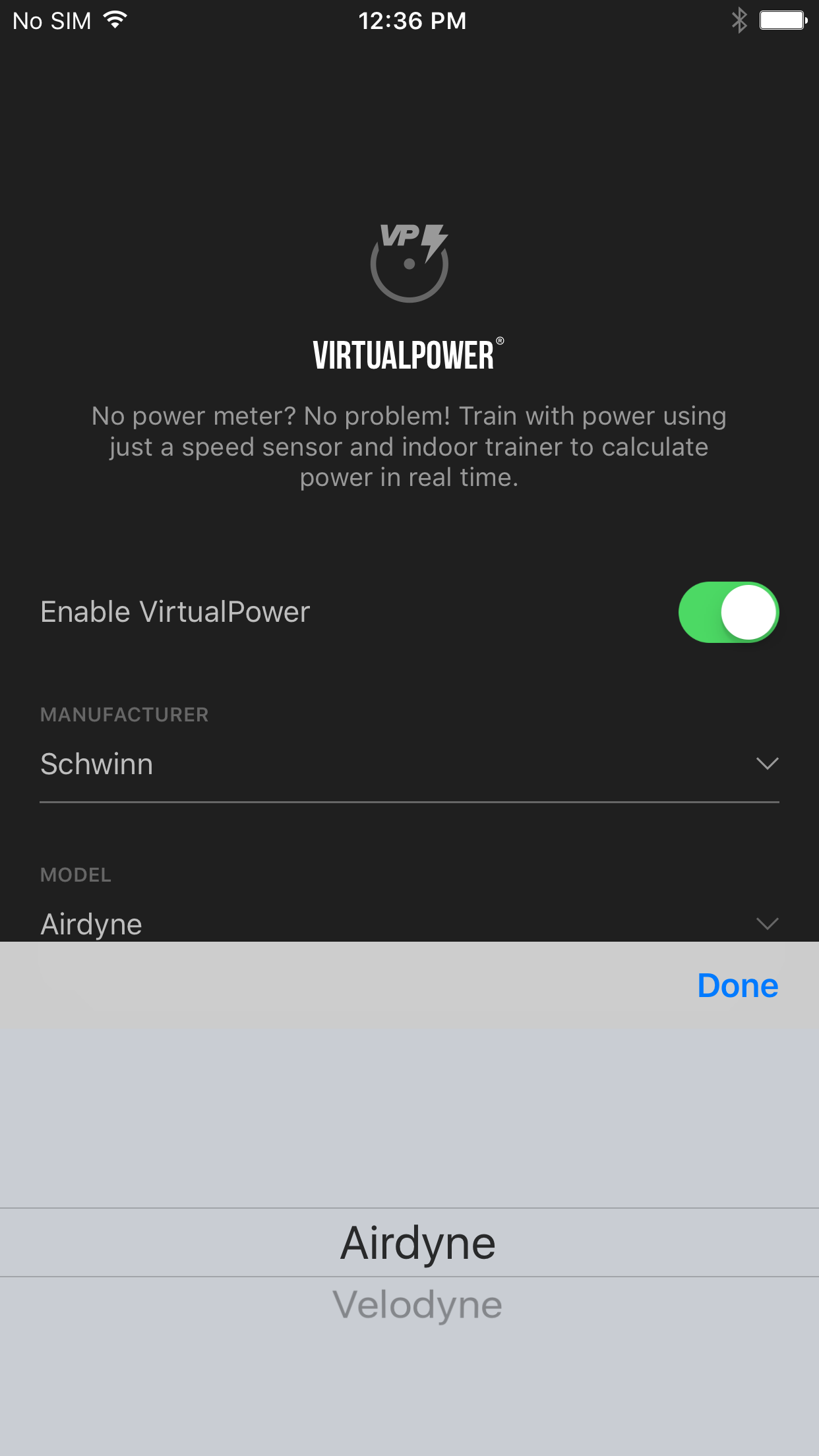
- Enable VirtualPower.
- From there, scroll through the Manufacturer list to Schwinn and the Model list to Airdyne.
- Finally, pair your speed sensor and you're ready to go!