1. Open the Google Play Store app on your Android device.
2. Select Menu
3. Select Settings
4. Select Auto-update Apps
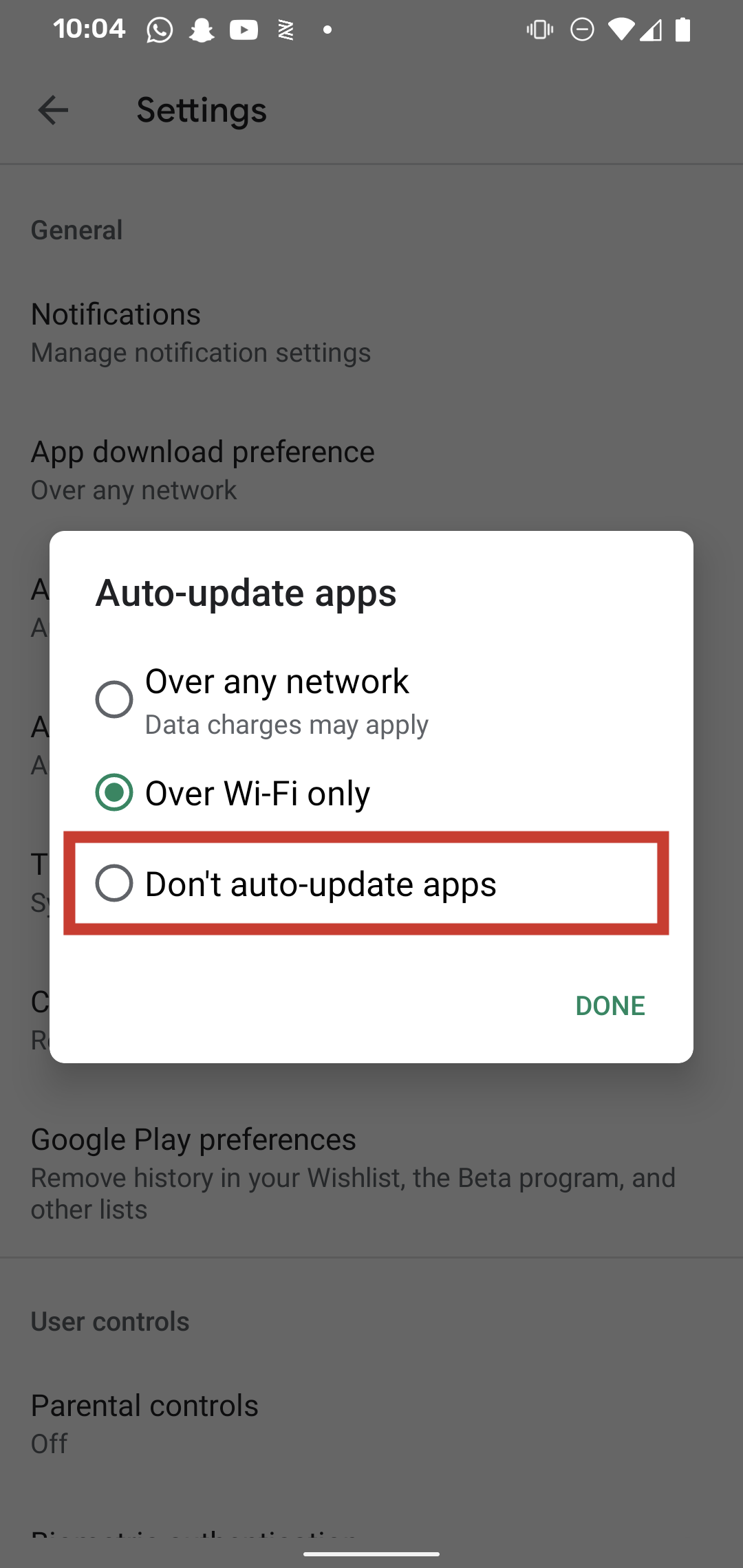
5. Select Don't auto-update apps, and select Done.
1. Open the Google Play Store app on your Android device.
2. Select Menu
3. Select Settings
4. Select Auto-update Apps
5. Select Don't auto-update apps, and select Done.
Was this article helpful?